All courses / Civil & Architecture CAD
MS Project – Construction Project Planning Course in Rajahmundry
Plan, schedule, and track construction projects with Microsoft Project's Gantt charts and resource management.
Microsoft Project course in Rajahmundry for construction scheduling, WBS, Gantt charts and project tracking.
Training location: E-Pro CAD Academy, RTC Complex Road, Rajahmundry, Andhra Pradesh. In-center lab and live online training options.
Duration: 3 Weeks (Daily 1.5 hrs)
For: Civil Engineers, Project Managers, Site Engineers, Construction Professionals
Software: Microsoft Project
What you will learn
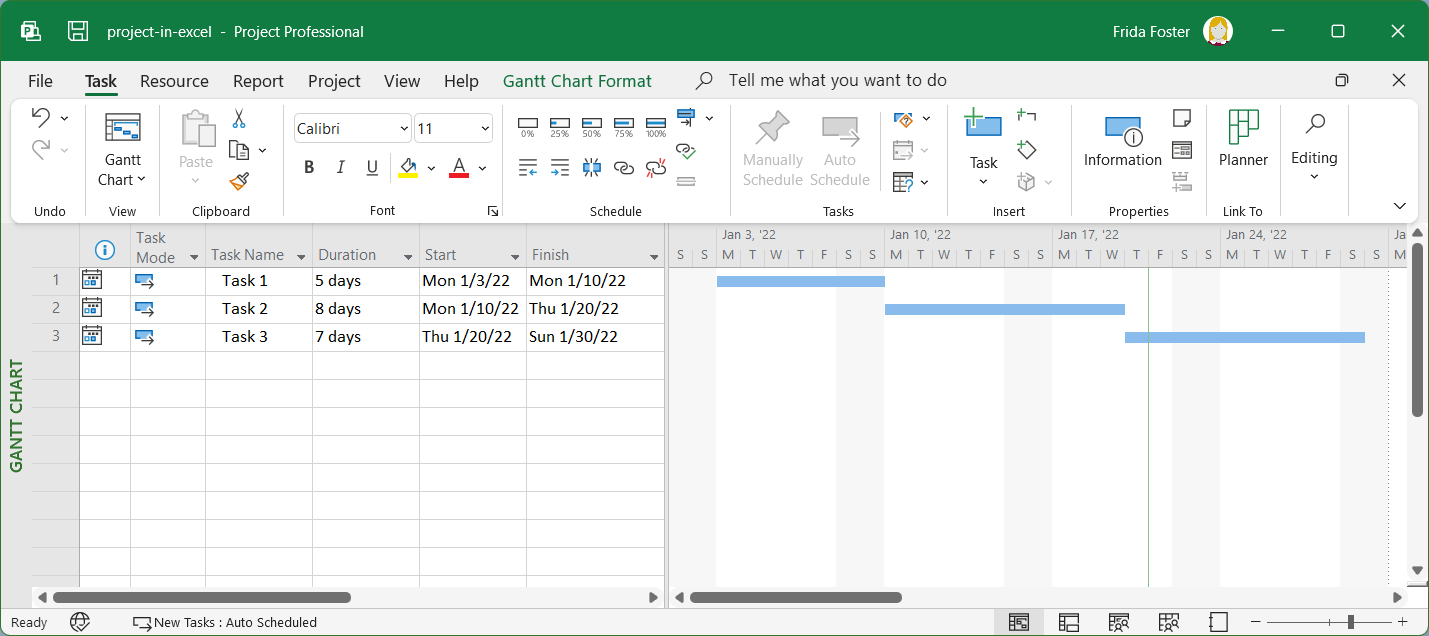
Learn Microsoft Project for construction project scheduling. Create work breakdown structures (WBS), Gantt charts, assign resources, track progress, and generate project status reports for real construction timelines.
- Work Breakdown Structure (WBS) Creation
- Gantt Chart Development & Task Dependencies
- Resource Assignment: Labor, Material & Equipment
- Baseline Setting & Progress Tracking
- Critical Path Method (CPM) Analysis
- Project Status Reports & Dashboard Views
MS Project – Construction Project Planning syllabus
Project Setup & Task Planning
- Creating new project, calendar settings
- Entering tasks, durations, and task hierarchy (WBS)
- Linking tasks: Finish-to-Start, Start-to-Start, Lag/Lead
Resources & Baseline
- Defining resource types: work, material, cost
- Assigning resources to tasks, resolving over-allocations
- Setting project baseline for tracking
Tracking & Reporting
- Updating % completion and actual work
- Critical path identification and float analysis
- Generating Gantt, resource, and status reports
- Exporting reports to PDF and Excel
Practical MS Project – Construction Project Planning projects
- Construction Schedule for a G+5 Residential Building
- Road Construction Project Timeline with Milestones
- Resource-Leveled Schedule with Progress Tracking
Career paths
Training supports skills relevant to roles such as Project Planner, Site Engineer, Construction Manager, PMC Consultant.